Introduction
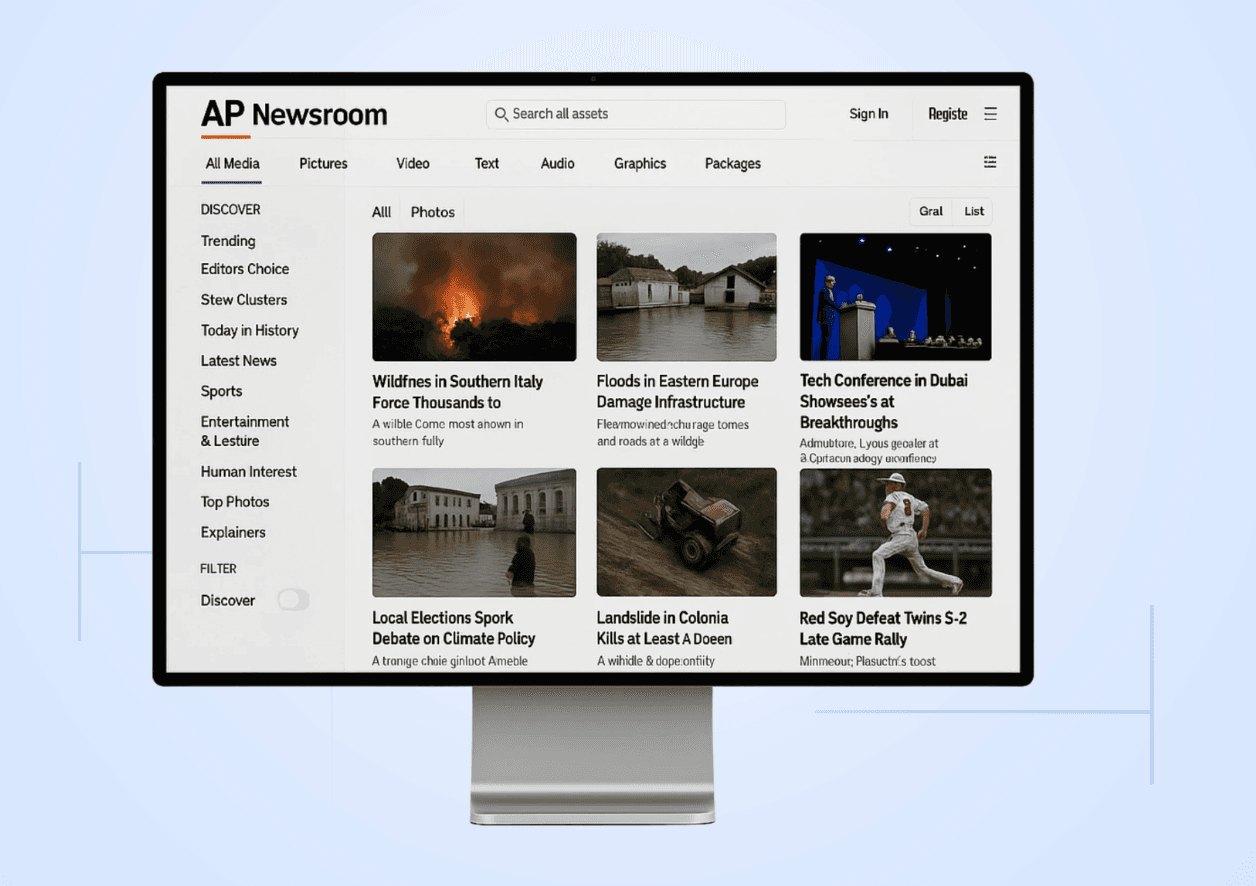
The Associated Press (AP) is one of the world’s leading news agencies, but its digital service platform has long lagged behind competitors like Reuters and AFP. Journalists often struggle with AP’s limited search functionality, cluttered navigation, and lack of real-time updates, challenges that slow down newsrooms where every second matters.
For over 12 years, I worked in newsrooms where global media outlets relied daily on Reuters, AFP, and Associated Press. Each platform had strengths: Reuters provided minute-by-minute updates, AFP specialized in curated packages, and AP offered broad coverage. Yet AP consistently lagged in usability, especially in its search function.
This case study explores how AP’s service platform could be redesigned to better serve journalists working under tight deadlines.
Challenge
Journalists depend on fast, reliable access to breaking news. While Reuters and AFP excel in different areas, AP creates unnecessary friction.
Search limited to broad topics instead of live updates.
Content difficult to filter by type (videos, images, articles).
Cluttered navigation that slows down workflow.
Lack of real-time coverage compared to Reuters.
Design Principles
To address these issues, I set the following principles:
Speed First
Prioritize immediate real-time updates
Powerful Search
Allow filtering by content type and time.
Clarity
Clean layout with one primary action per screen.
Consistency
Unified design language across all content types.
Process
I began by analyzing competitor flows. Reuters updates in real-time with multiple content formats. AFP offers curated content within 24 hours. Using these as benchmarks, I sketched layouts and wireframes for AP that emphasized a strong search experience and live feed integration. Wireframes explorations included:
*A homepage with a universal search bar
*Tabs for Articles, Videos, Images, Live Updates.
*A clean dashboard layout where the latest content appears first.
Solution
The redesigned AP service platform introduces:
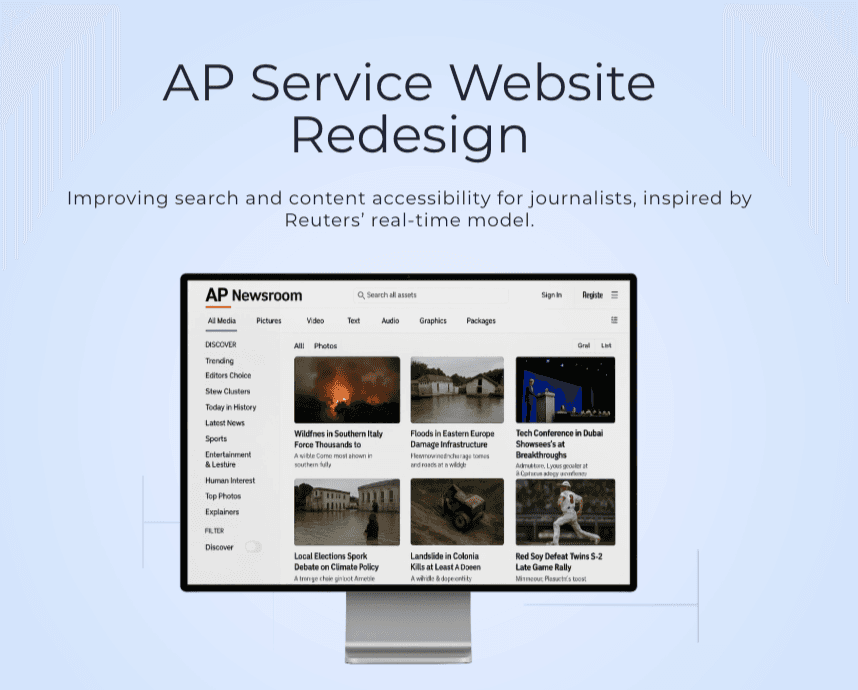
*Universal search with advanced filters (content type, time range, relevance).
*Real-time dashboard with breaking news updates.
*Clear navigation with a focus on speed and simplicity.
*Responsive design that works across desktop and mobile.
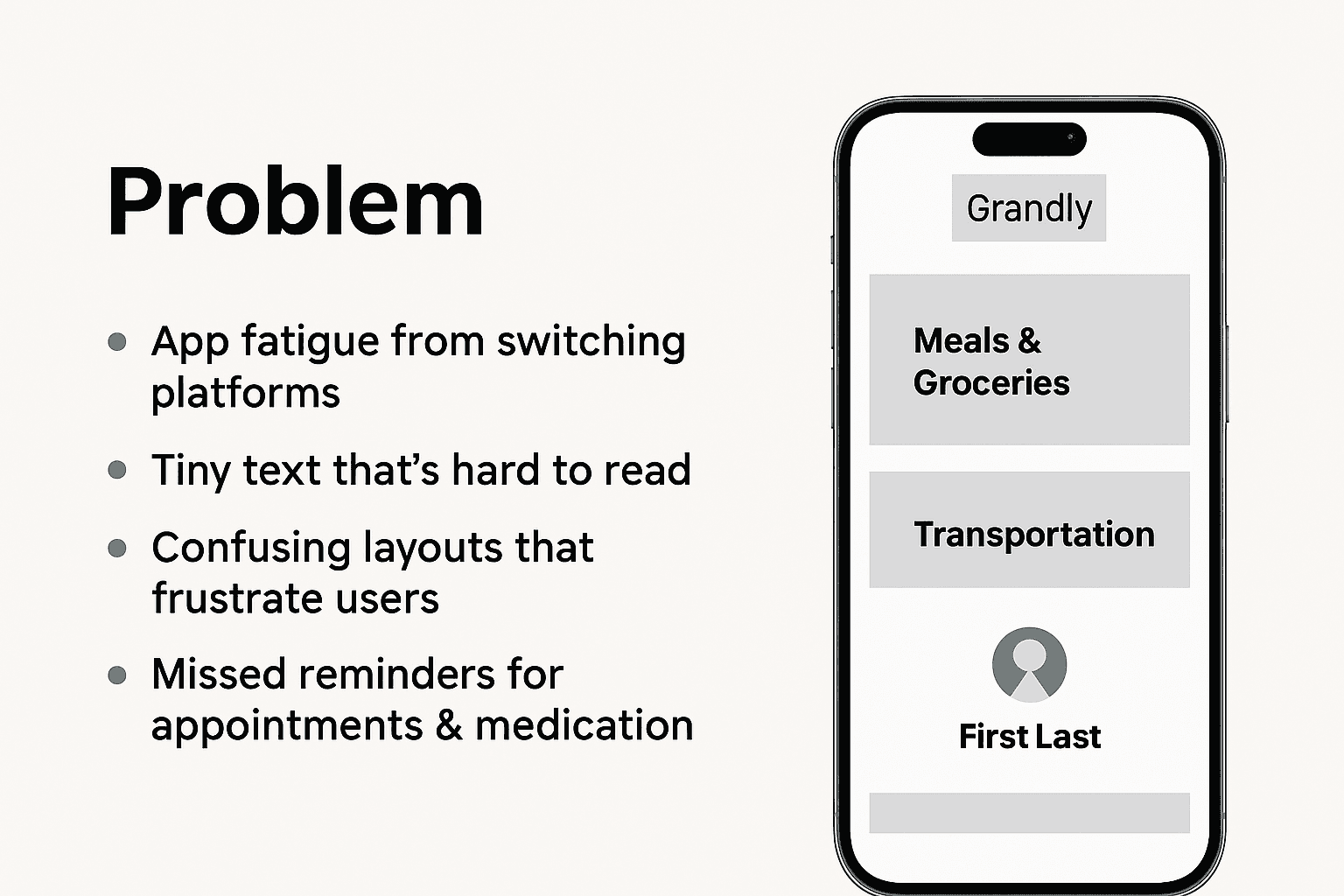
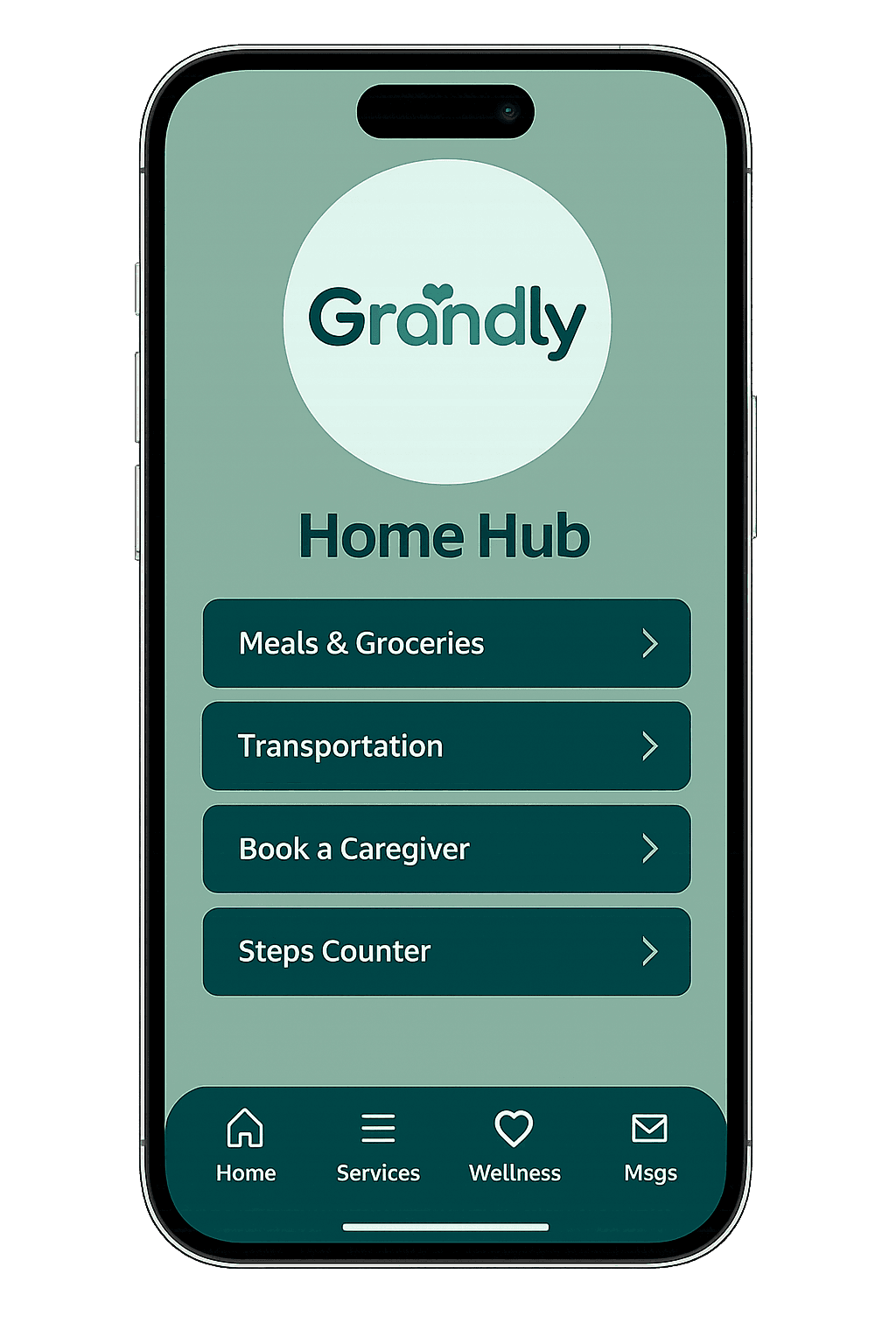
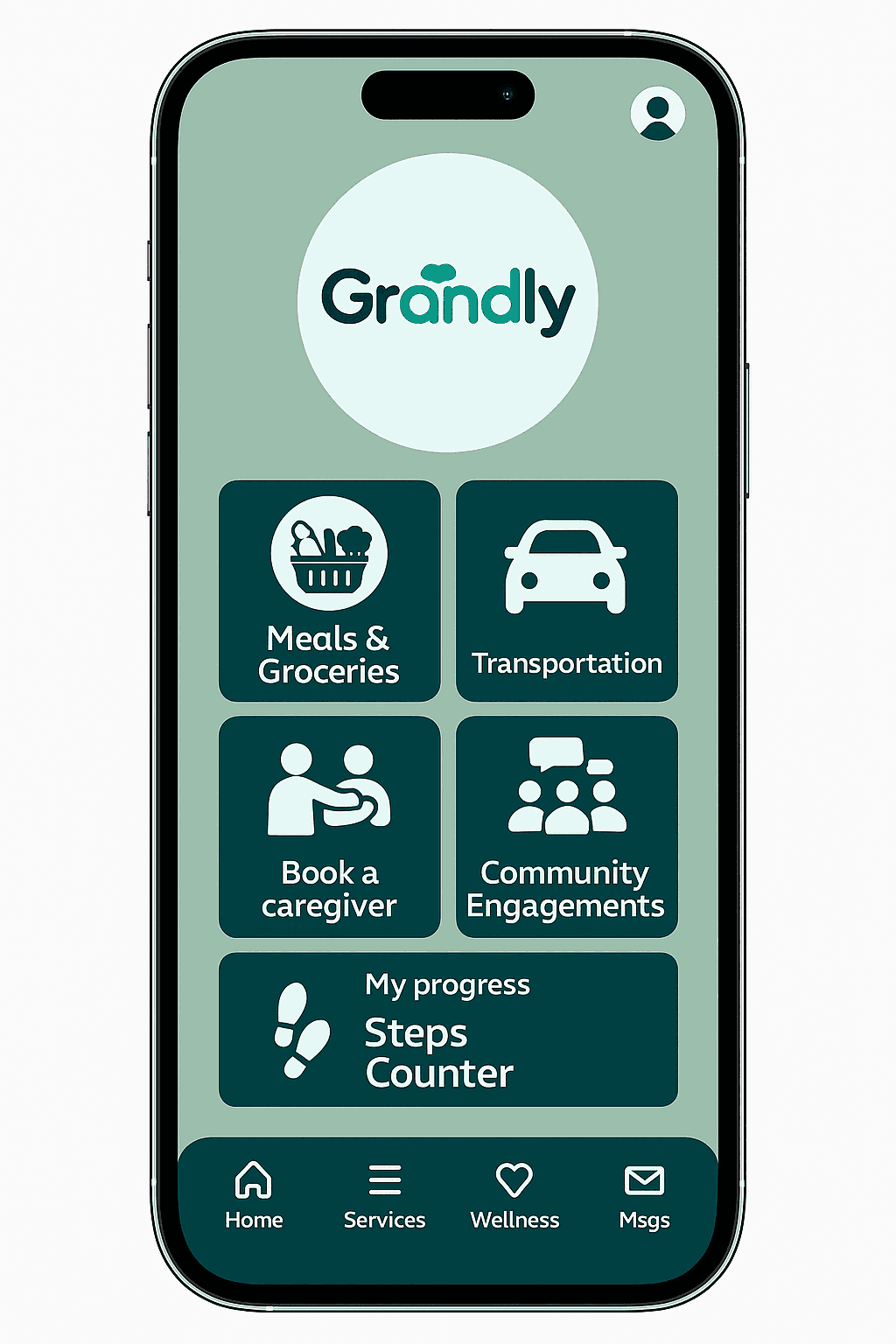
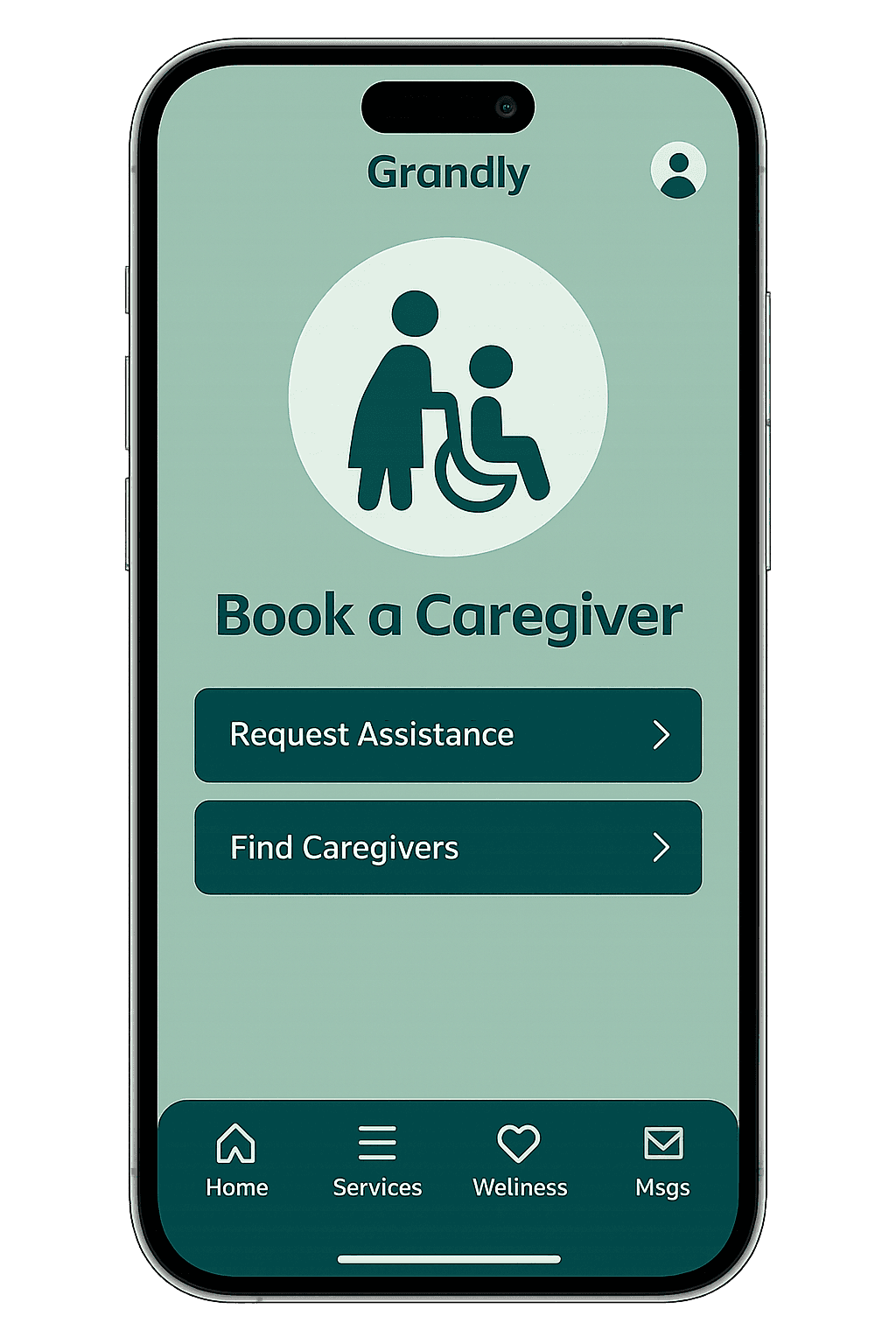
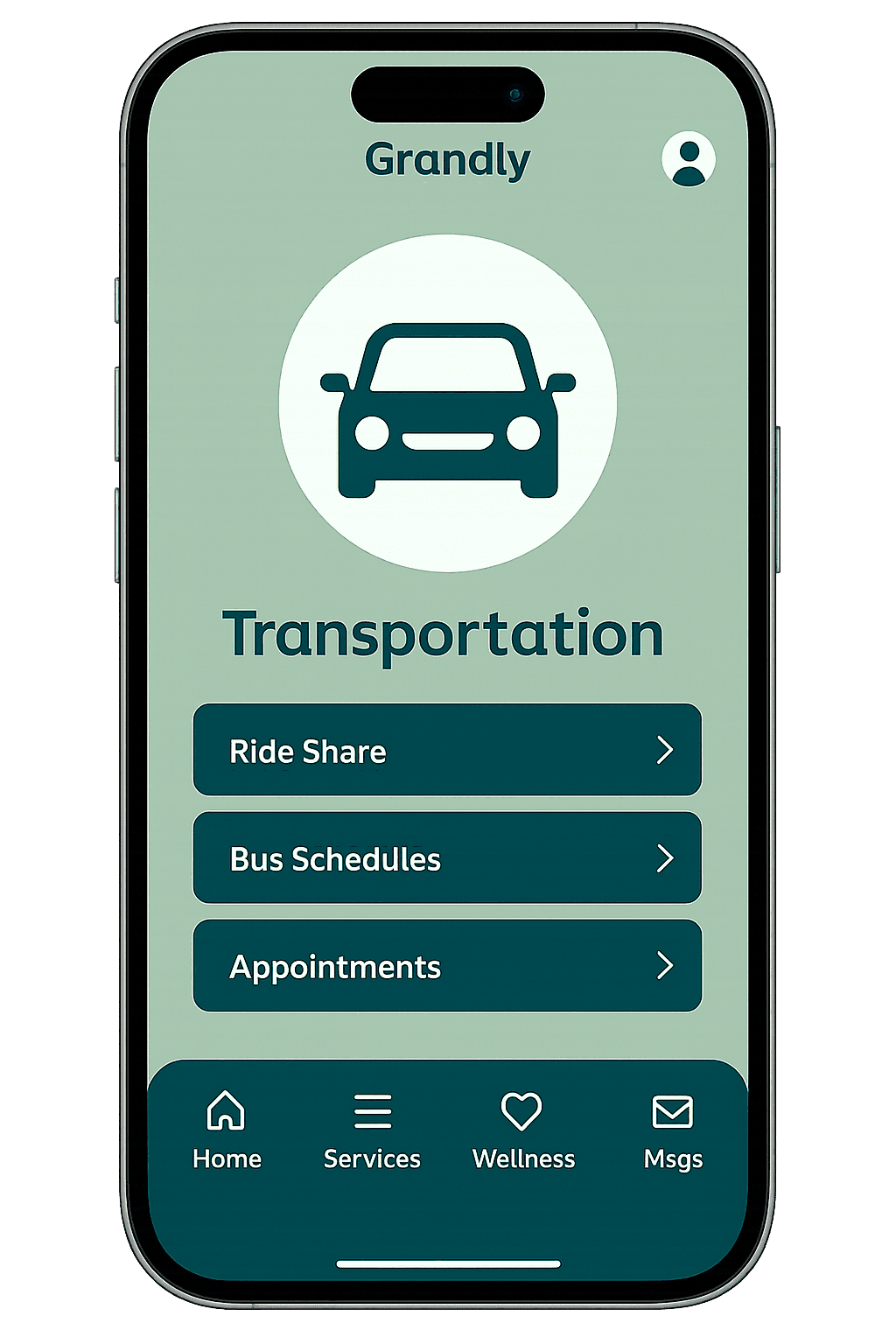
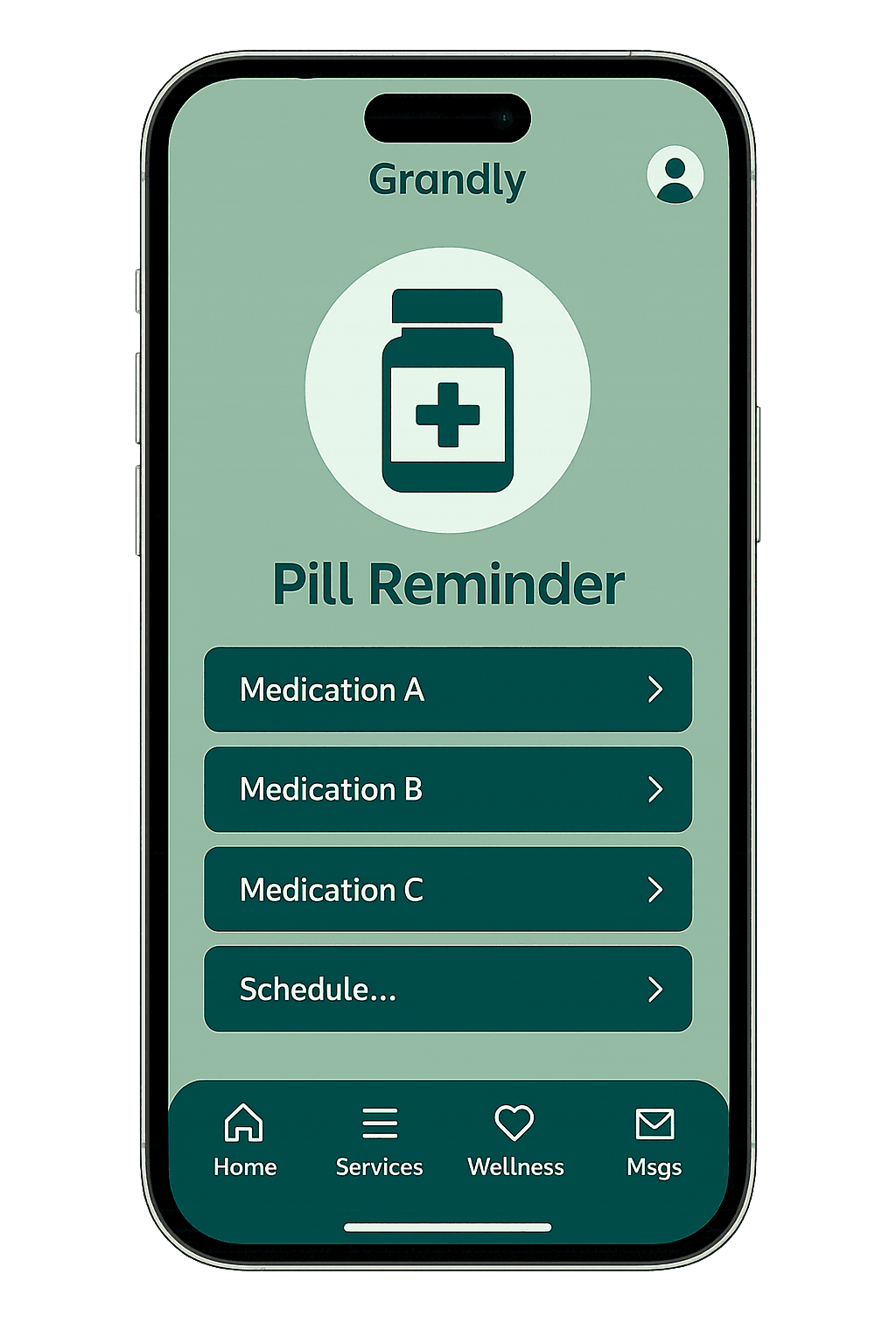
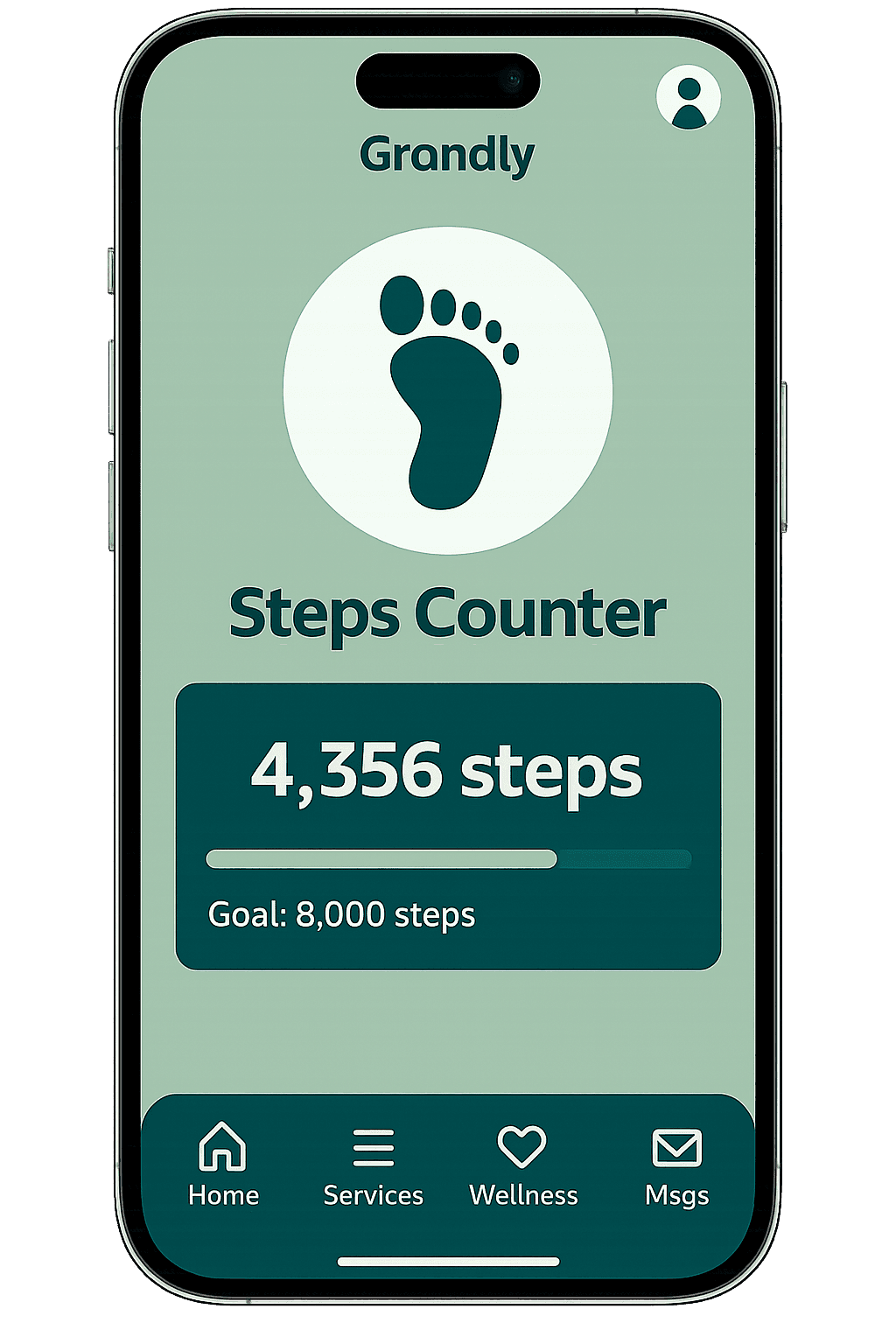
I began by identifying the daily routines that seniors rely on the most: meals, transport, caregiver booking, steps tracking, and pill reminders. These became the foundation for the Grandly app. Instead of designing everything at once, I broke the experience into small, testable flows to see how they could fit into a single, consistent platform.
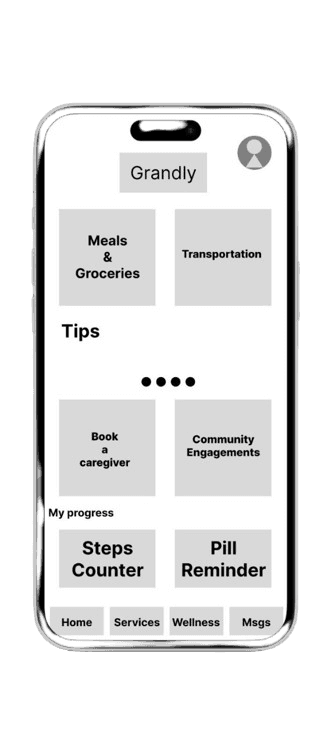
The first wireframes were deliberately simple, using grayscale blocks and large card-like buttons to make navigation obvious. This let me focus on structure rather than visual polish. I experimented with different layouts to see how many actions could fit comfortably on one screen without overwhelming the user.
Key explorations included:
Home screen hub → Large cards for top services, giving seniors a clear one-tap entry point for daily tasks.
Profile layout → Minimal design showing only the most essential information like address and caregiver contacts. Optional fields were removed to reduce friction.
Navigation design → Clear, predictable patterns where each screen has a single main action. This reduces cognitive load and prevents confusion from hidden menus.
These wireframes provided an early way to validate the idea and made it easier to refine the design before investing in high-fidelity visuals.
Conclusion
The redesign demonstrates how AP could match or surpass competitors by focusing on speed, clarity, and a powerful search system. For journalists, this means less wasted time, faster reporting, and a smoother workflow under pressure. For my portfolio, this case study highlights my ability to combine industry insight with design problem-solving to deliver impactful improvements.